Overview
The Messages feature allows project administrators to send notifications to all users within a project.
Using this feature ensures that important project communications are seen promptly by all relevant users.
This is useful for:
- Announcing scheduled maintenance
- Sharing new releases
- Communicating important updates
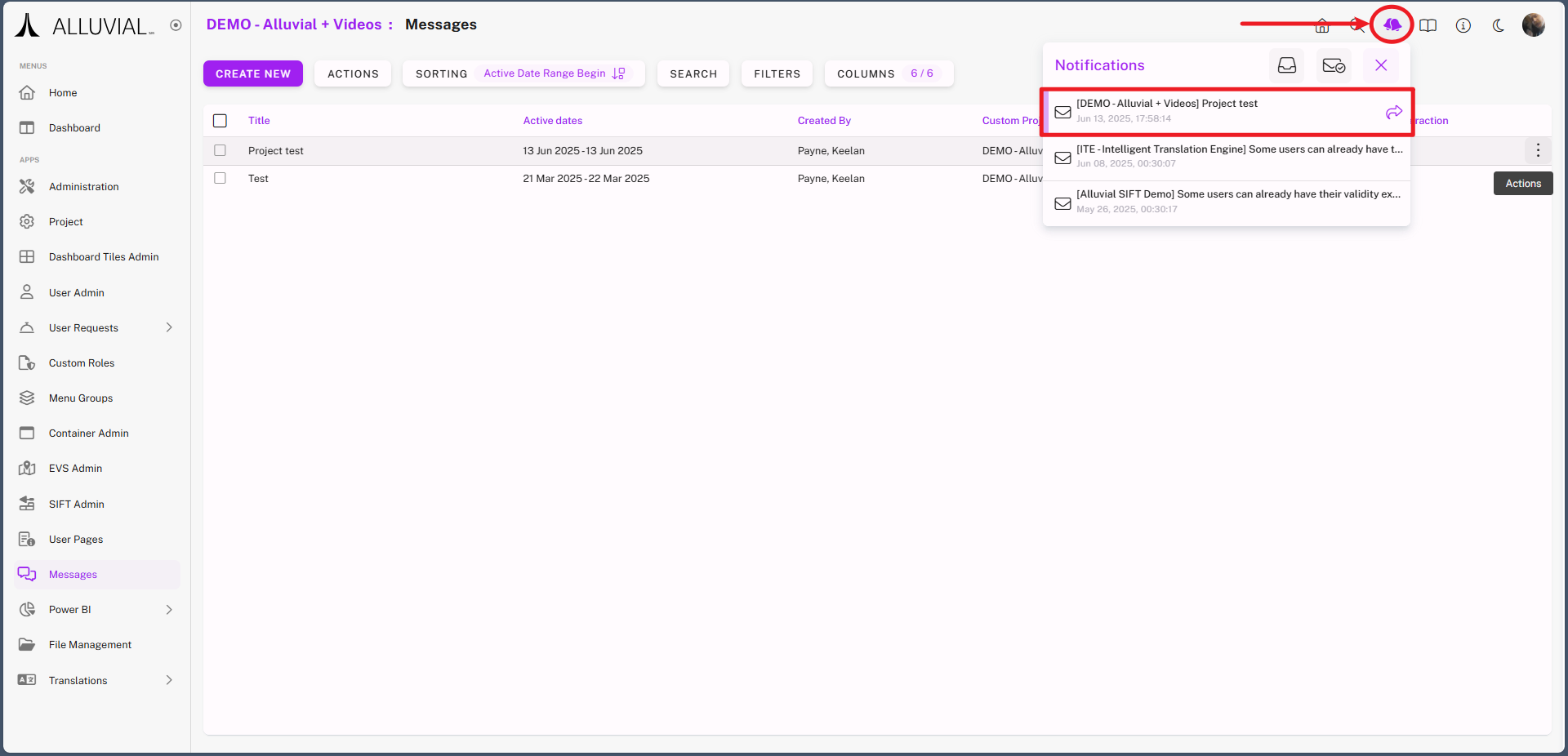
Messages are delivered directly within Alluvial, ensuring visibility for all project members.
Getting Started
Access the Module
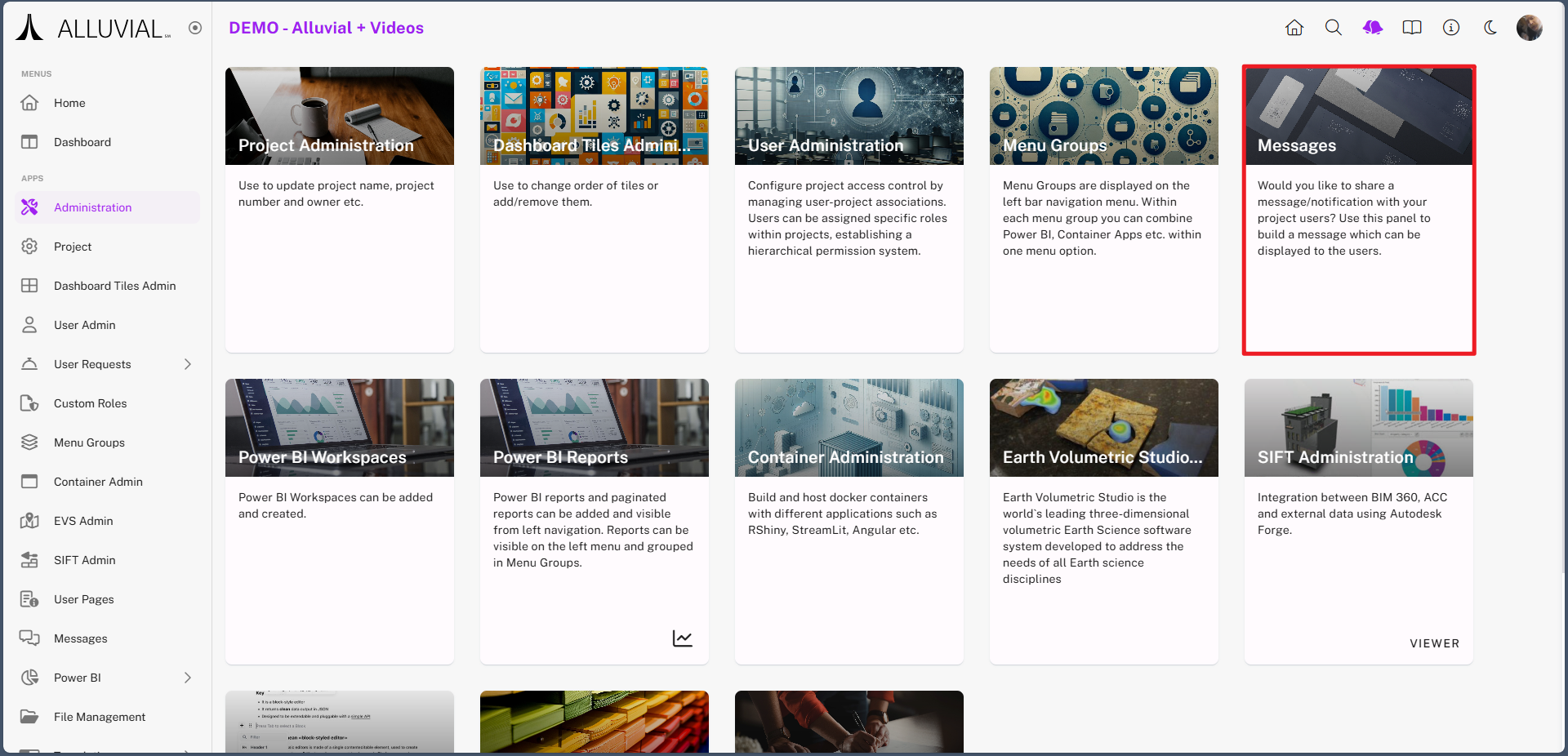
- From the project administration page, select Messages.
Core Concepts
Message Delivery
Messages are delivered inside Alluvial so users can review them from within the platform.
High-Priority and Interactive Messages
If a message is marked as high priority or requires interaction, it can appear as a popup immediately when a user logs in.
Common Tasks
Create a New Message
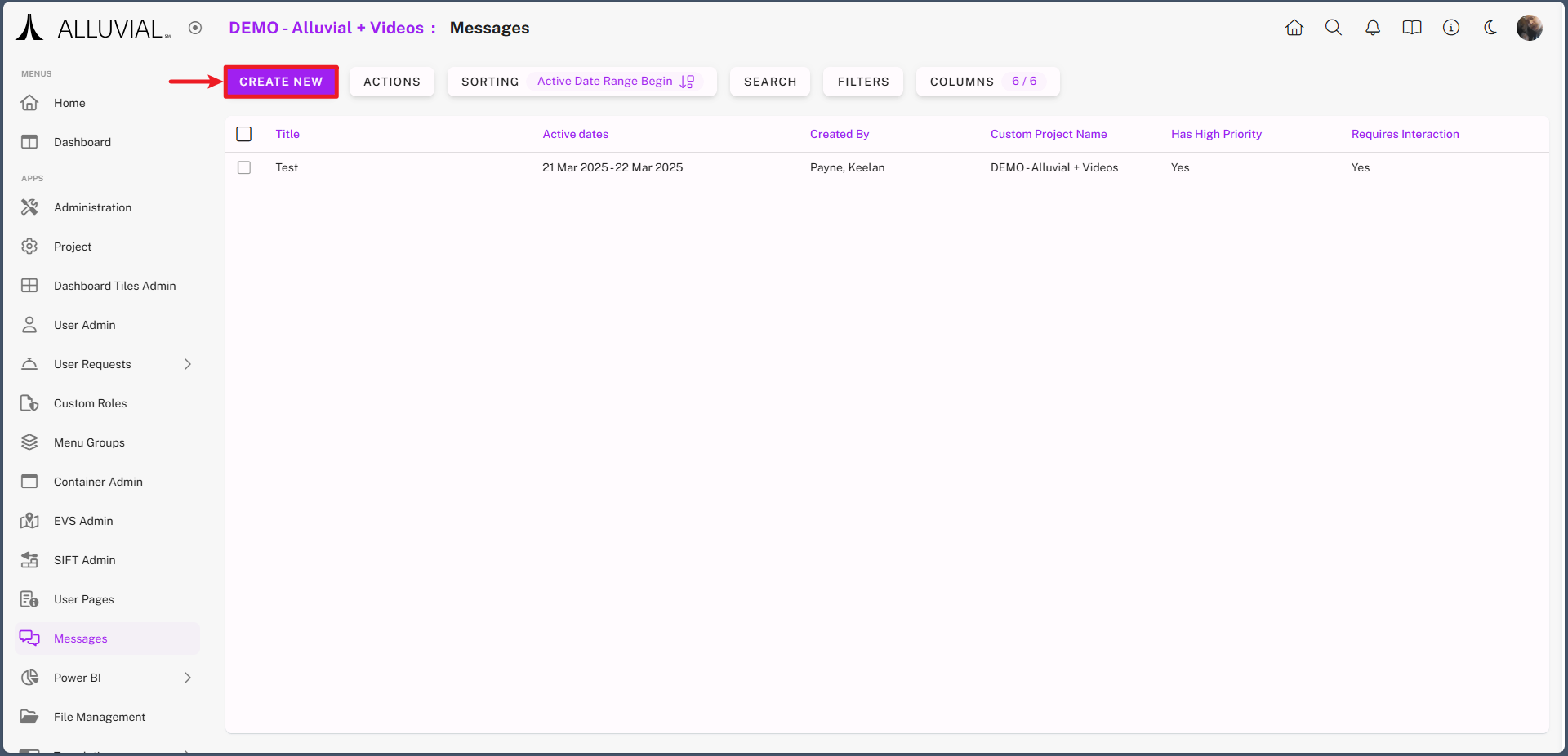
- Click CREATE NEW to open the Message form.
- Complete the message configuration fields.
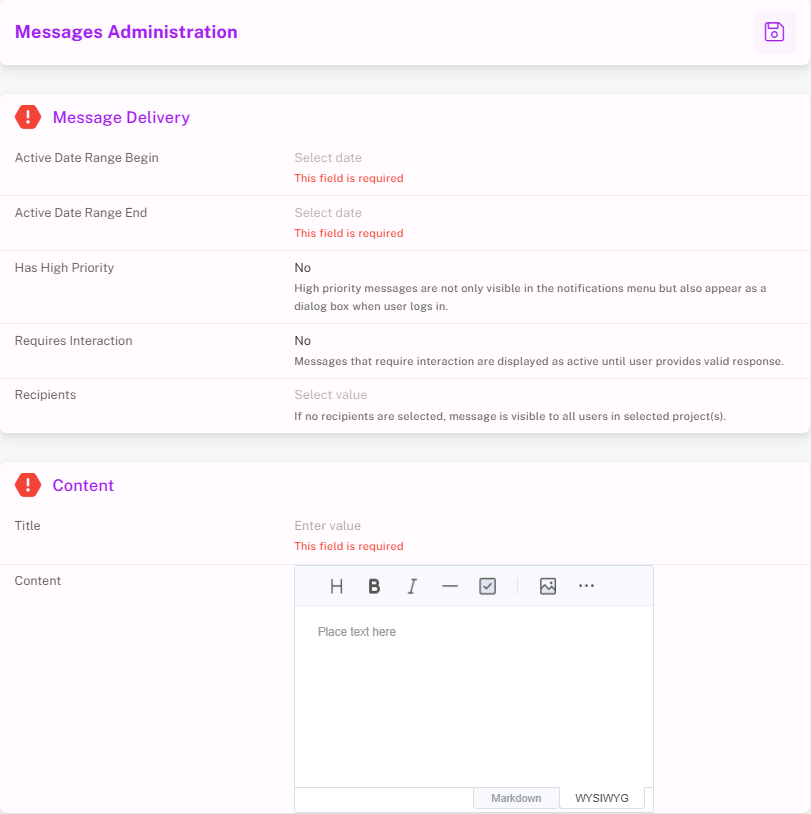
- Save the message to make it available to project users.
View Message Delivery
Once saved, the message will be visible to users via the bell icon in the top-right corner.
NOTE: If the message is marked as high priority or requires interaction, it will display as a popup immediately upon login.